Leads Den is a real estate web platform for the Australian market. Buyers discover properties by suburb, type and specification. Agents list and manage many properties at once. Both live in one product.
The problem
Listing data overwhelms buyers, and listing tools slow agents down. One product had to serve both.
The team
One designer, one developer and one stakeholder, over two months. I owned UX, UI, structure and the prototype.
The result
A responsive website with separate buyer and agent flows under one system.
01 · Who it's for
Buyers want trust. Agents want speed.
Two groups with almost opposite needs, sharing one platform.
Buyer
Needs clarity and trust
Fast decision support, reliable listing data, and a low-friction path from discovery to inquiry.
Agent
Needs speed and control
Efficient listing creation, flexible property management, and visibility over the whole portfolio.
02 · What shaped it
In Australia, a property search starts with a suburb.
Search behaviour depends heavily on suburb, property type and availability. So the product had to follow that order, not fight it.
Goal 01
Clear property discovery with fast filtering and location-based search.
Goal 02
An agent-friendly listing system for uploading and managing many properties.
Goal 03
Less friction between browsing, inquiry, booking and purchase intent.
So the brief wrote itself
How might we help buyers qualify a listing at a glance, and let agents list fast, without the two getting in each other's way?
03 · The problems
Four problems, pinned down.
Tap a card to see what it meant for the design.
04 · Key decisions
Search first. Everything else second.
01
Search-first structure
Discovery starts with suburb and specification filters above the fold, matching how Australians actually search.
02
Clear listing hierarchy
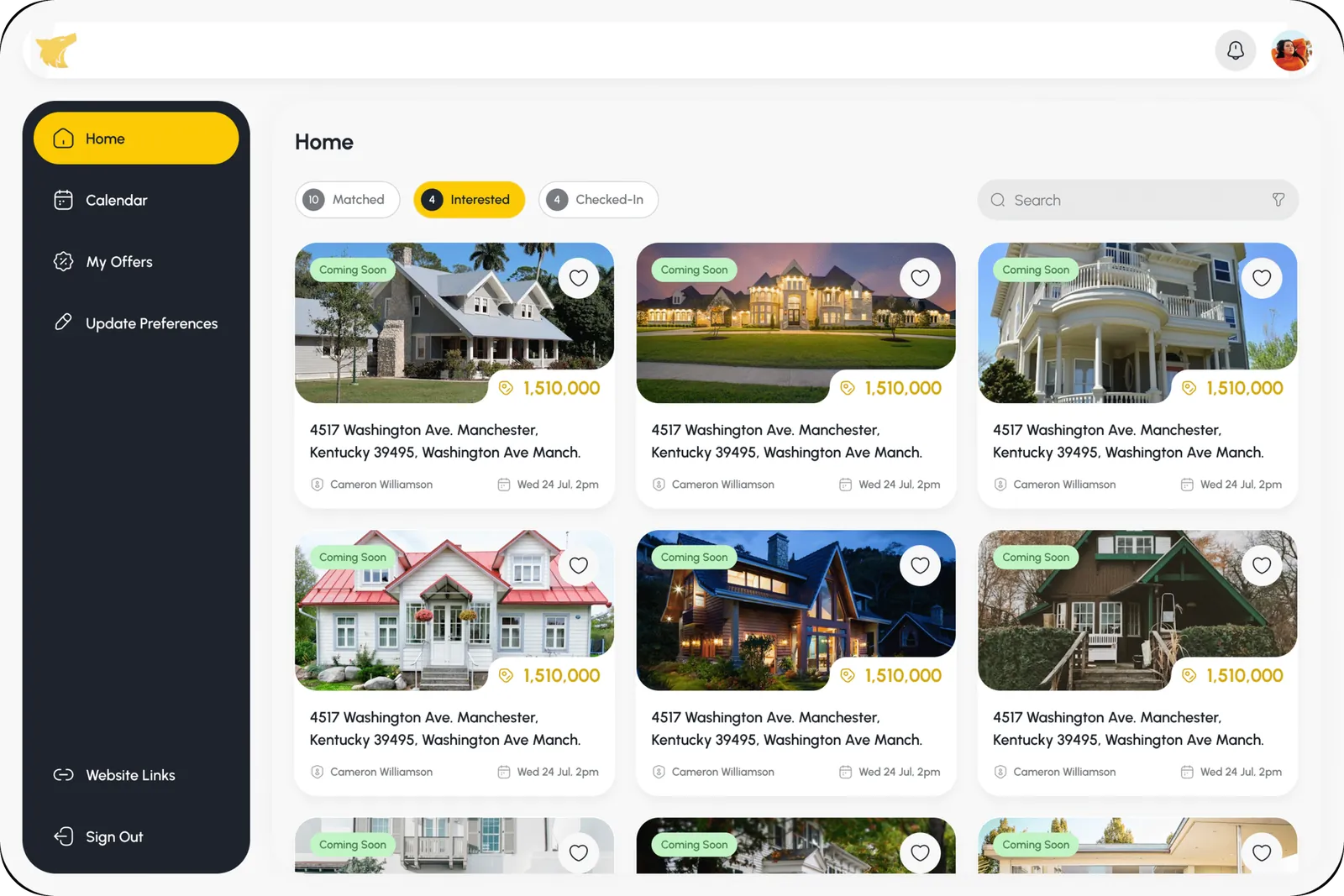
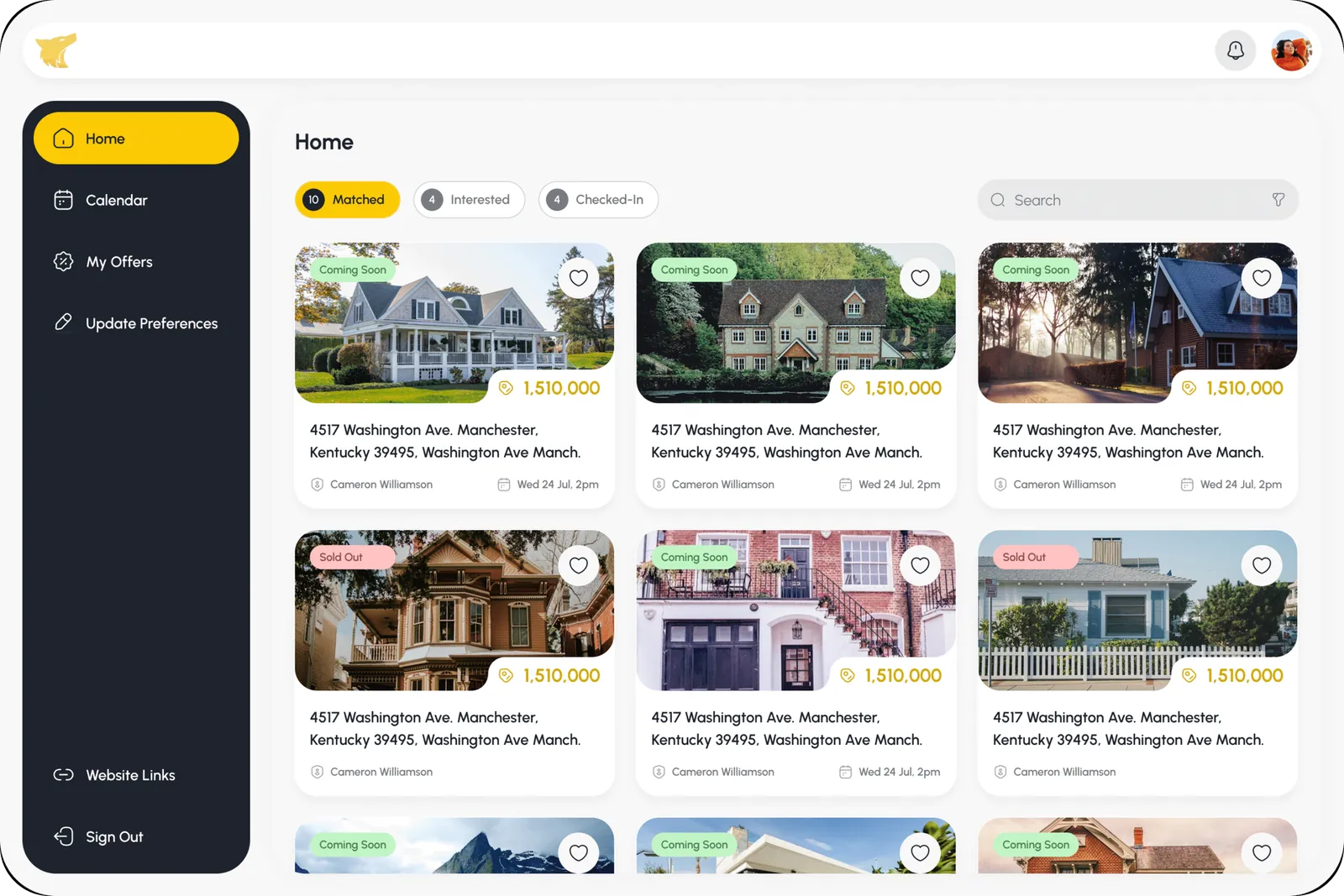
Type, size and price appear early on each card, so buyers qualify a listing without opening every page.
03
Dual user logic
Buyer and agent journeys are separate flows under one system, each focused without competing for UI space.
05 · The final UI
Here's where it landed.
Switch between the agent dashboard and the buyer experience, then try both flows in the live prototype.
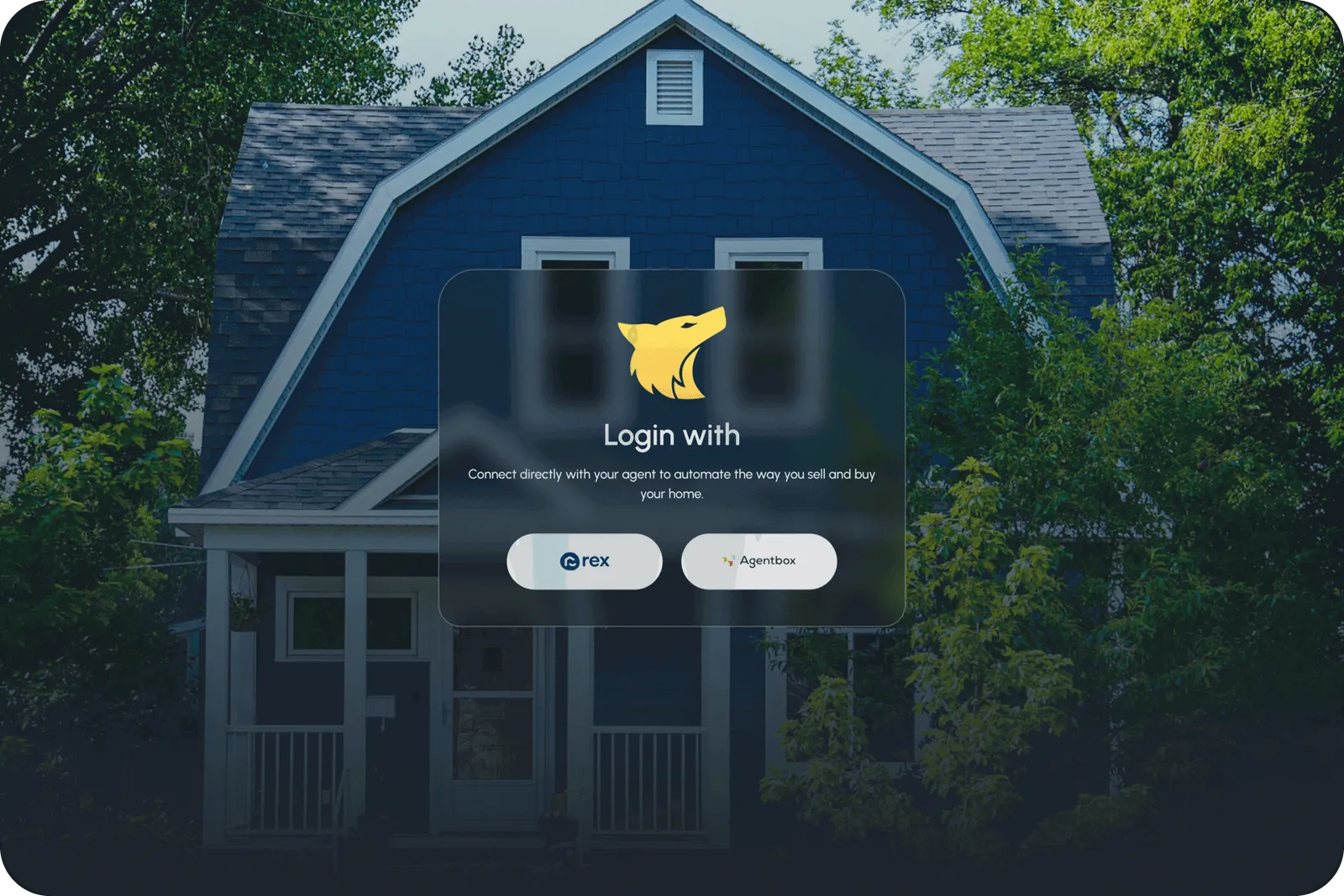
Authentication · Login with Rex or Agentbox
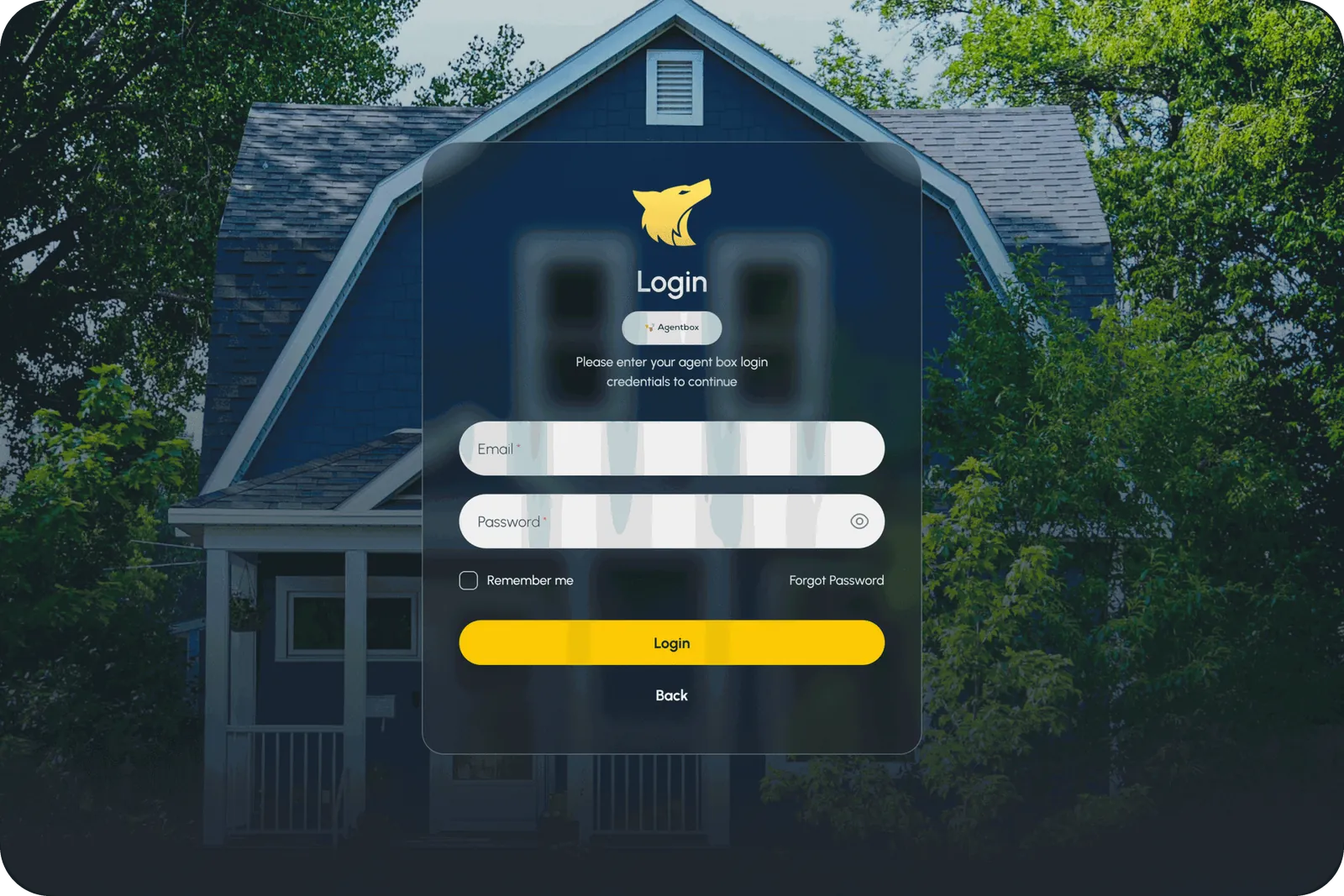
Authentication · Agentbox login
Home · Empty state
Home · Active listings
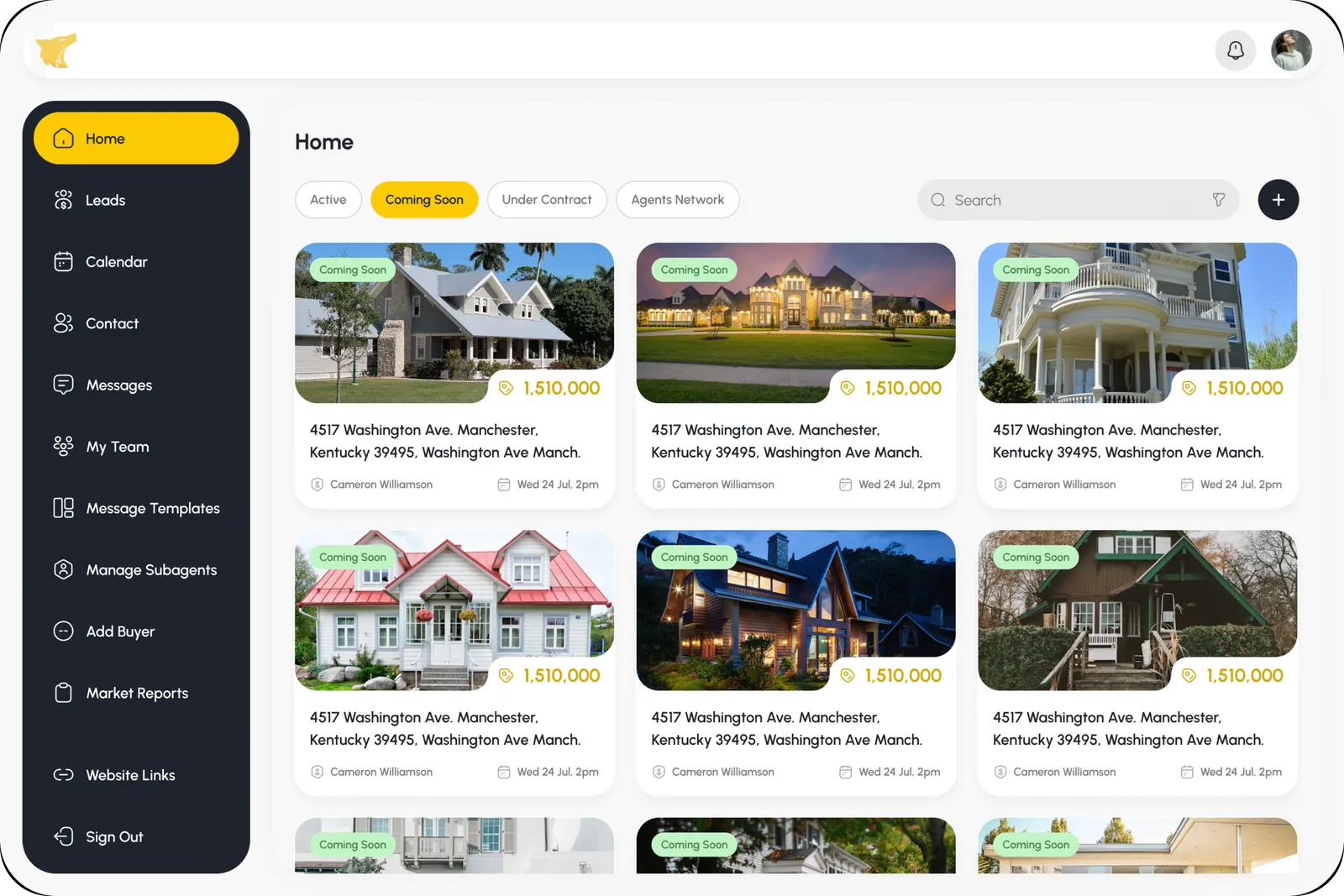
Home · Coming soon
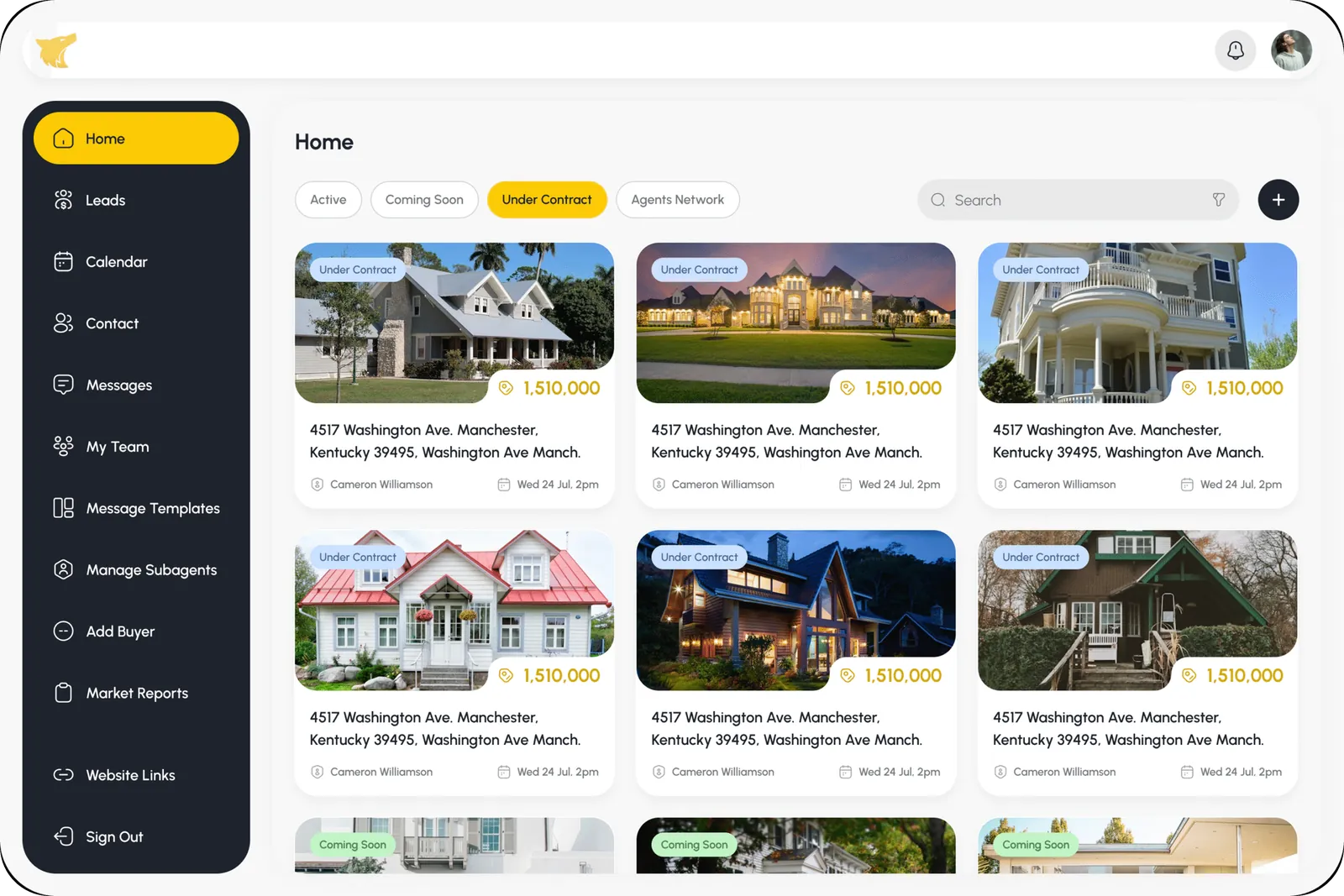
Home · Under contract
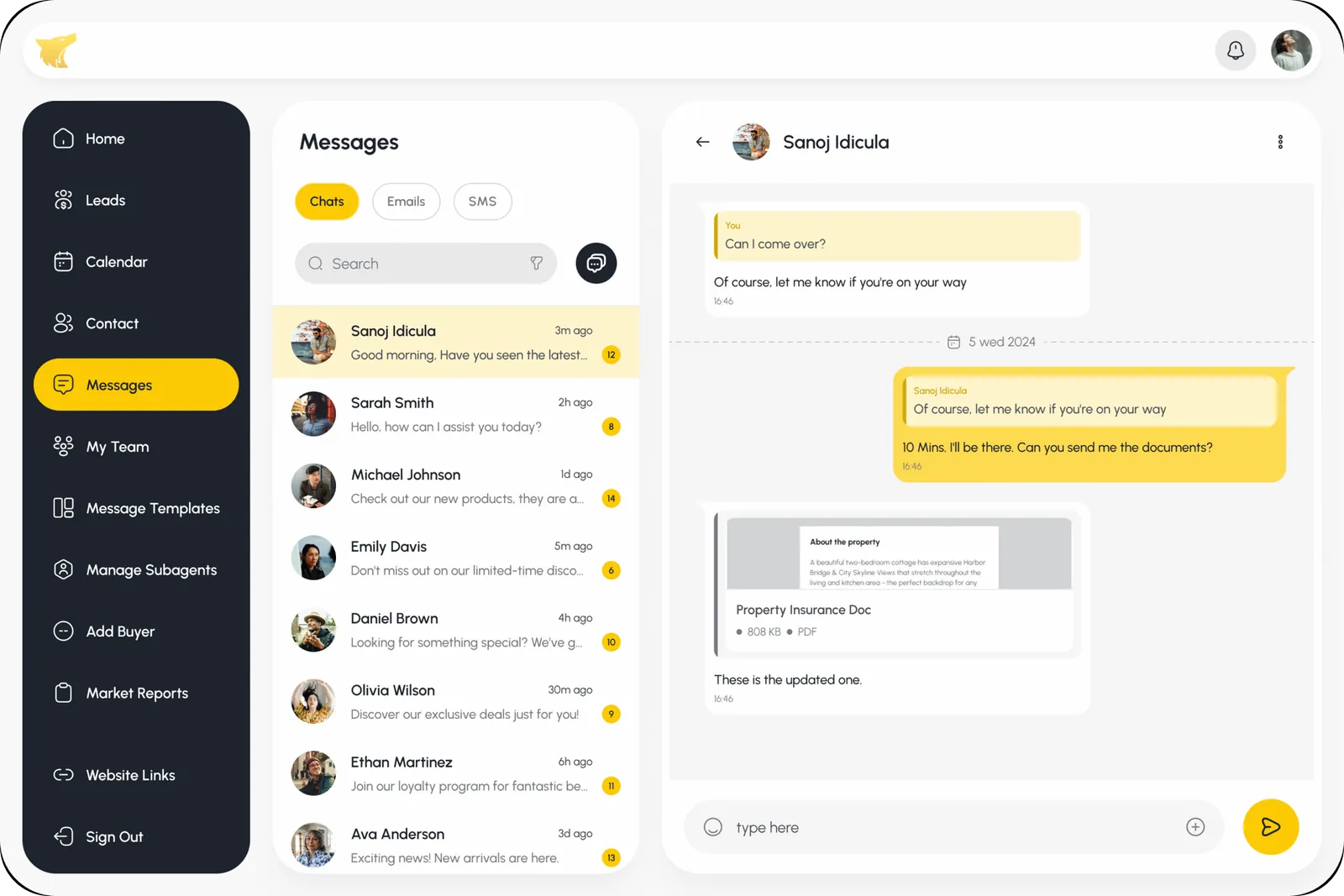
Messages · Inbox
Messages · Conversation
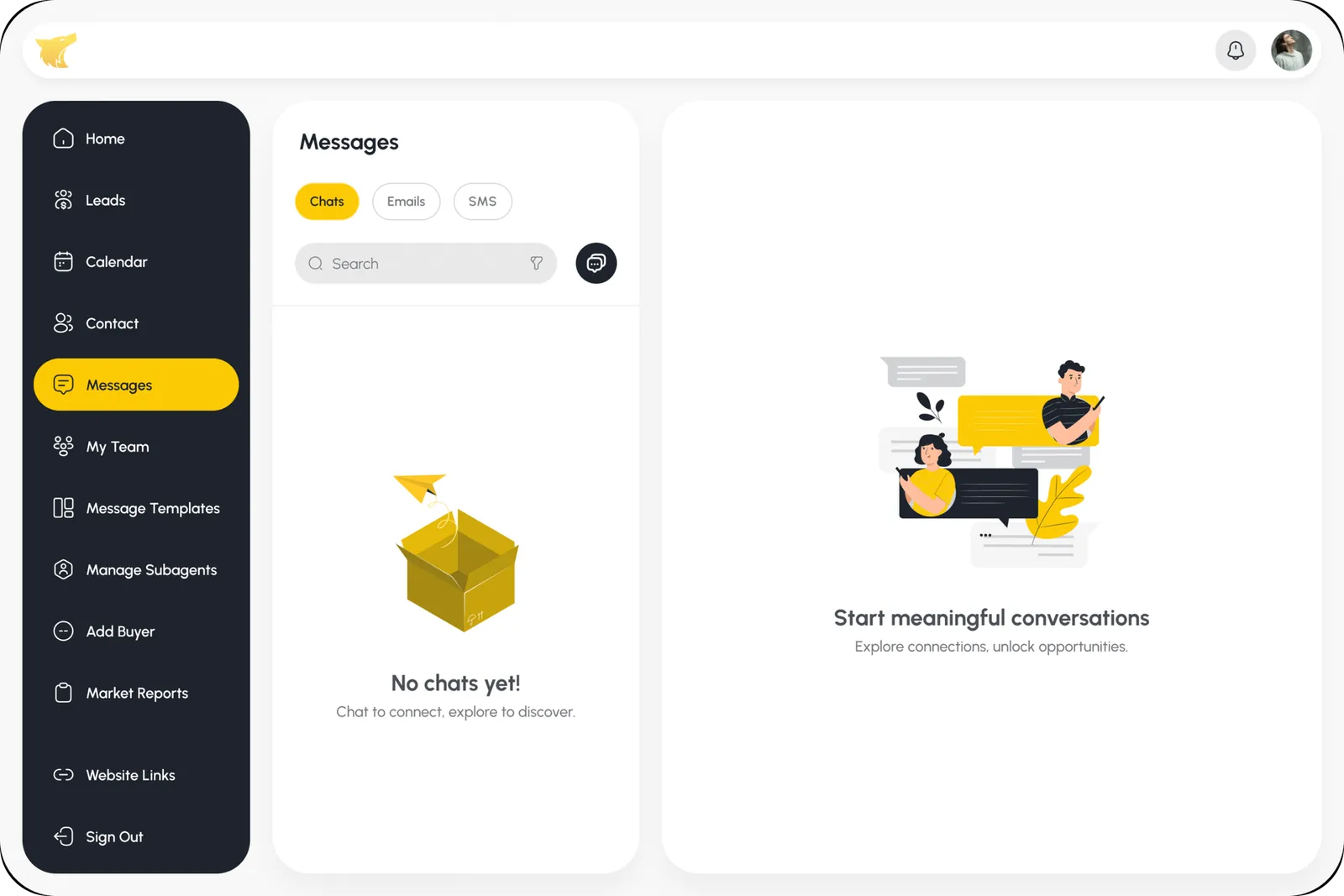
Messages · No chats yet
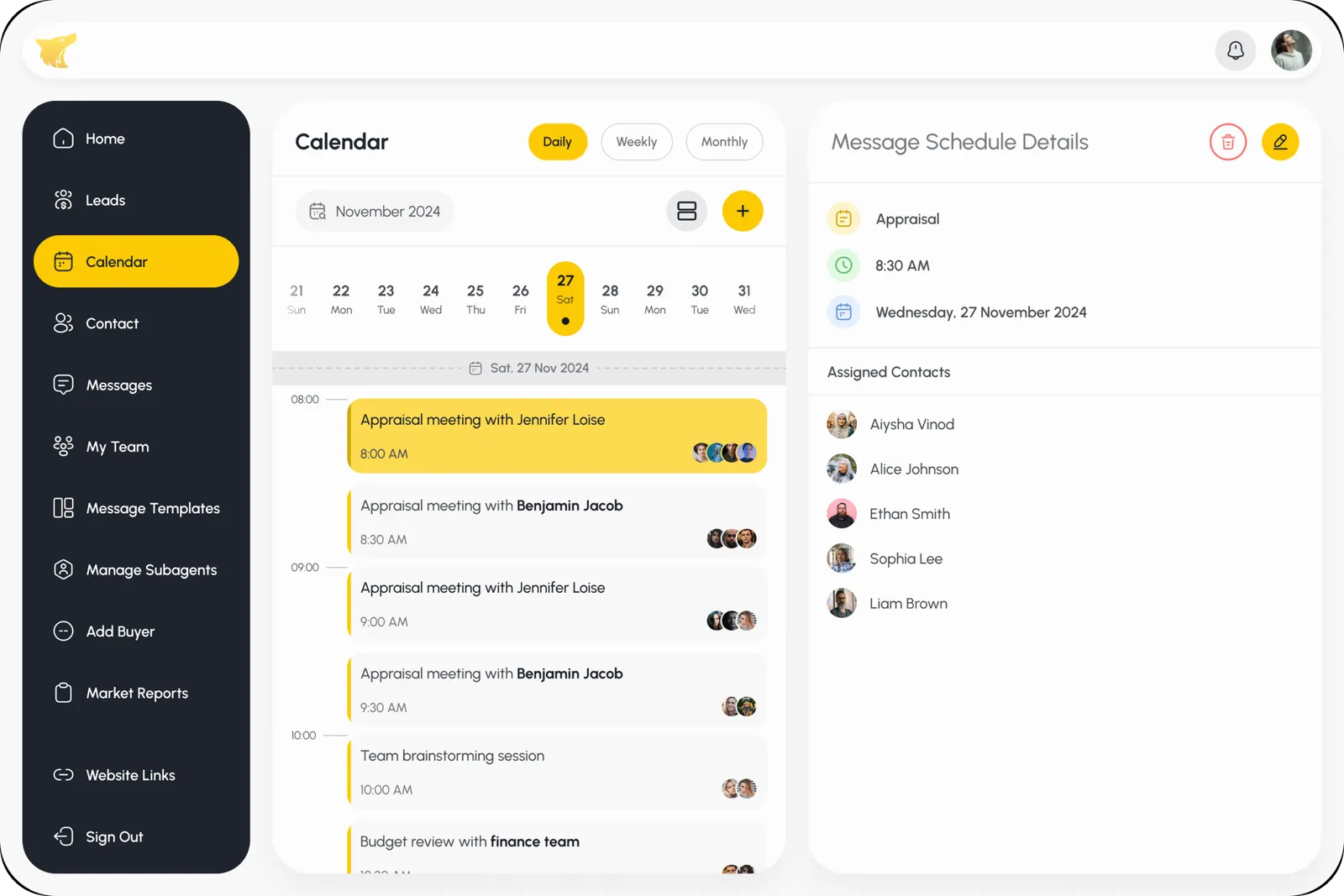
Calendar · Daily schedule
Calendar · Schedule details
Calendar · Weekly view
Team Management · Teams
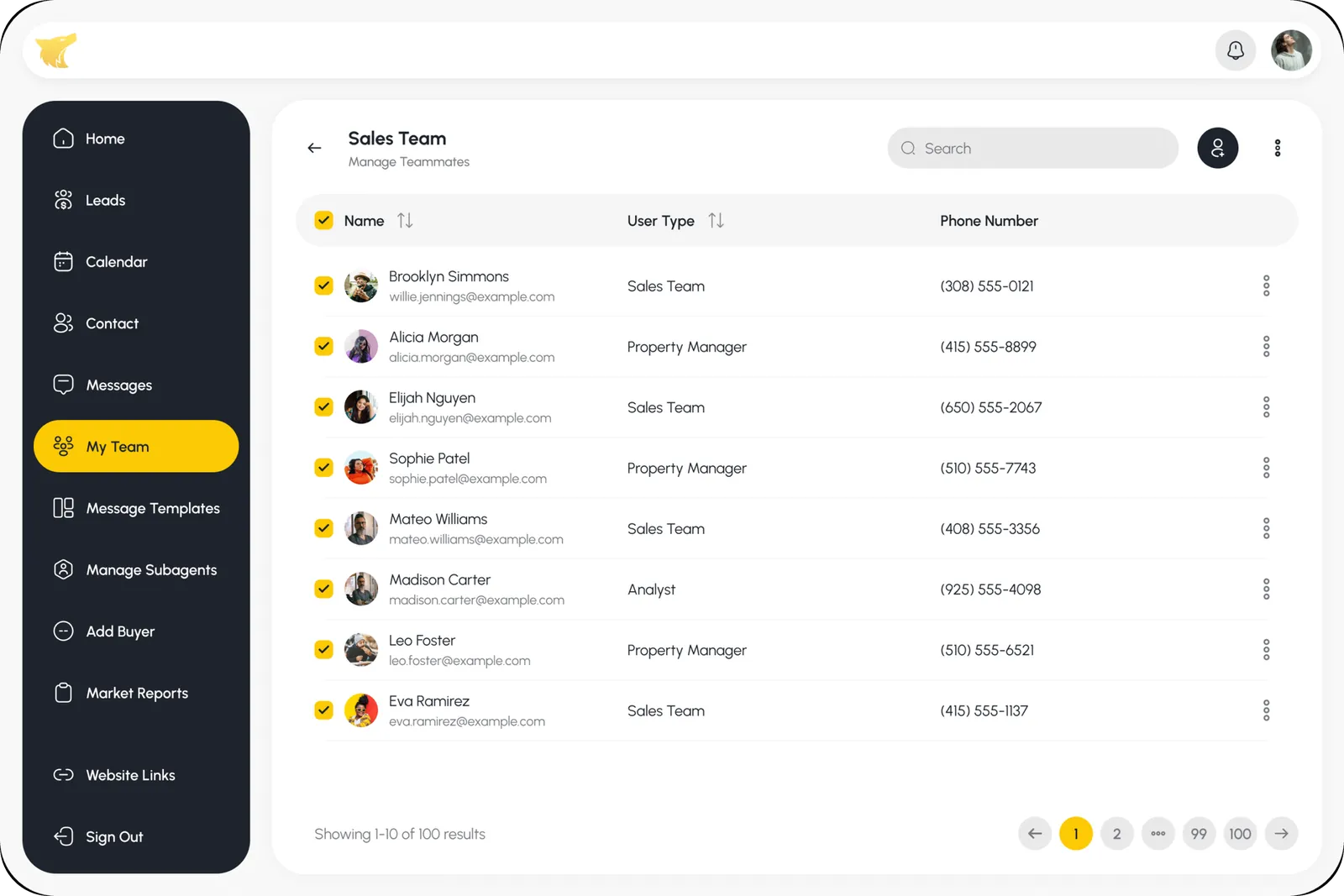
Team Management · Sales team
Team Management · Bulk select
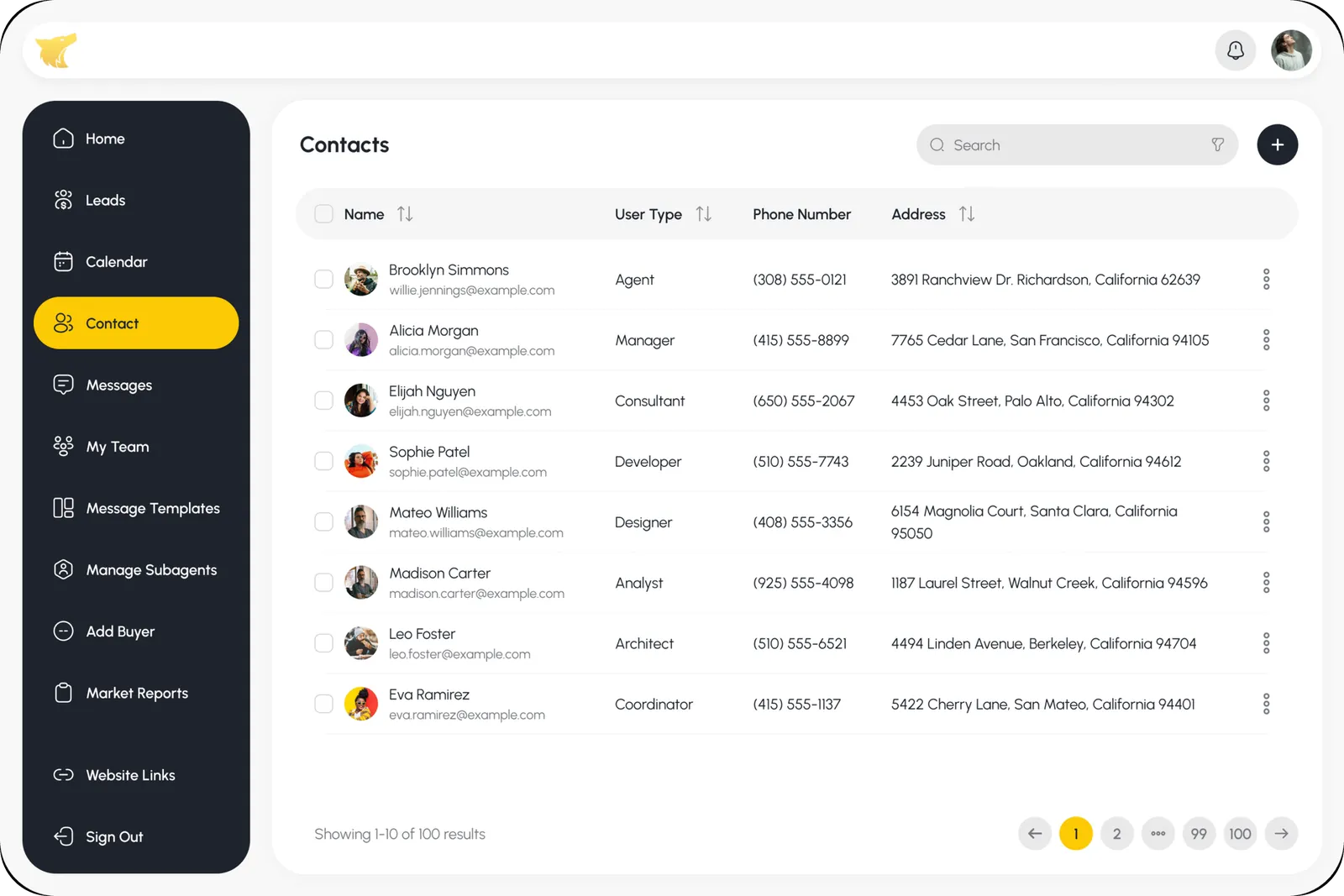
Contacts · Contacts list
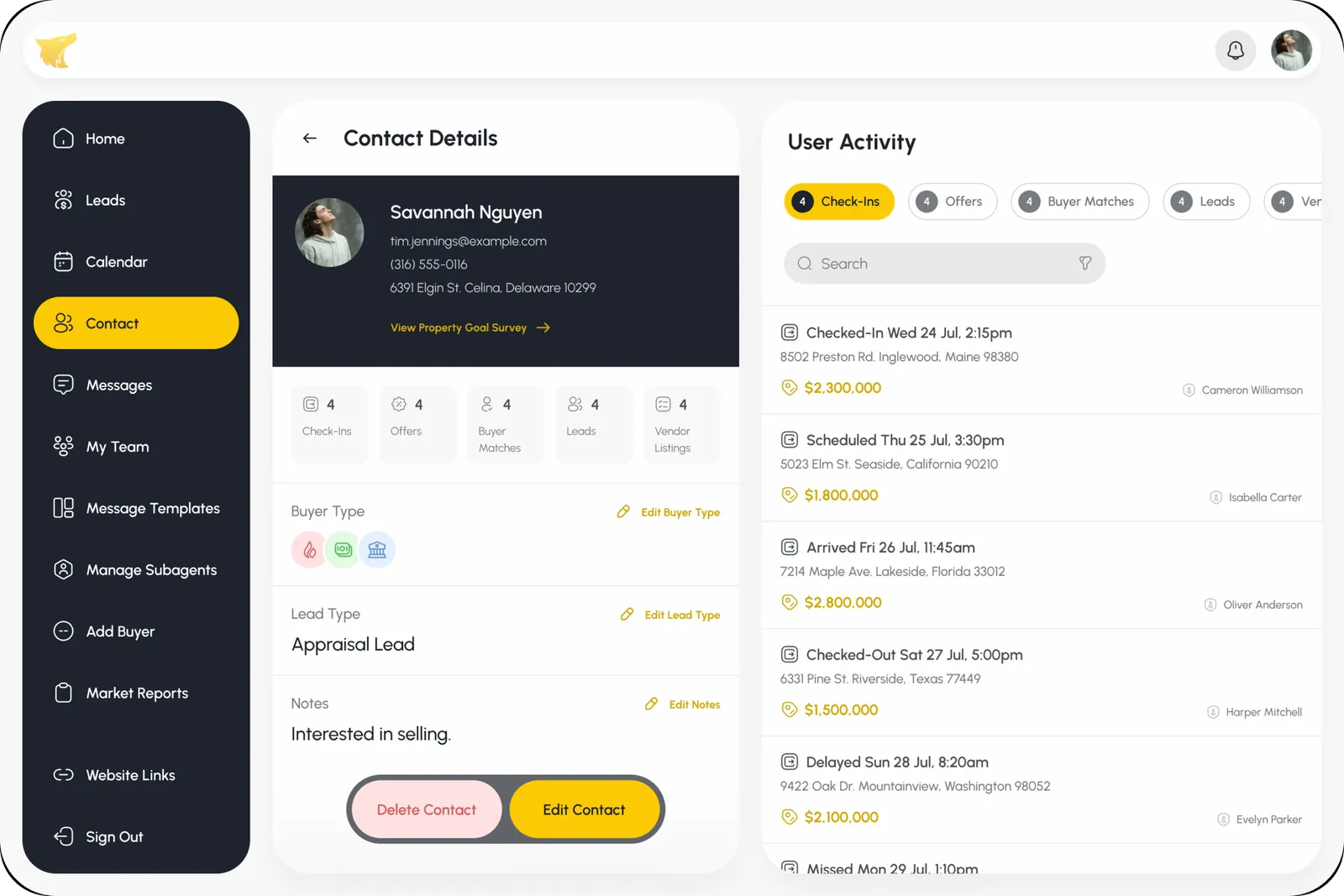
Contacts · Contact details
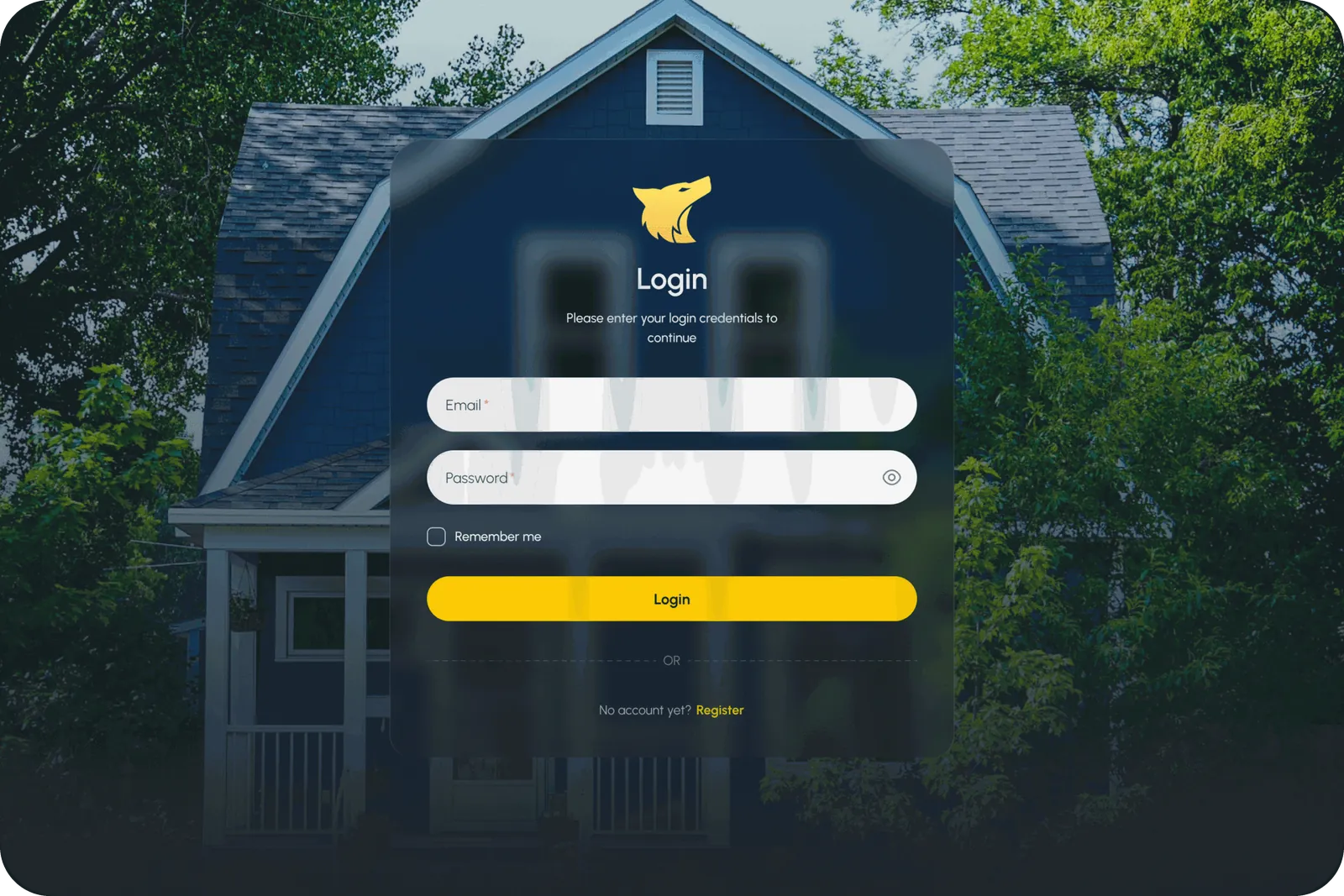
Onboarding · Login
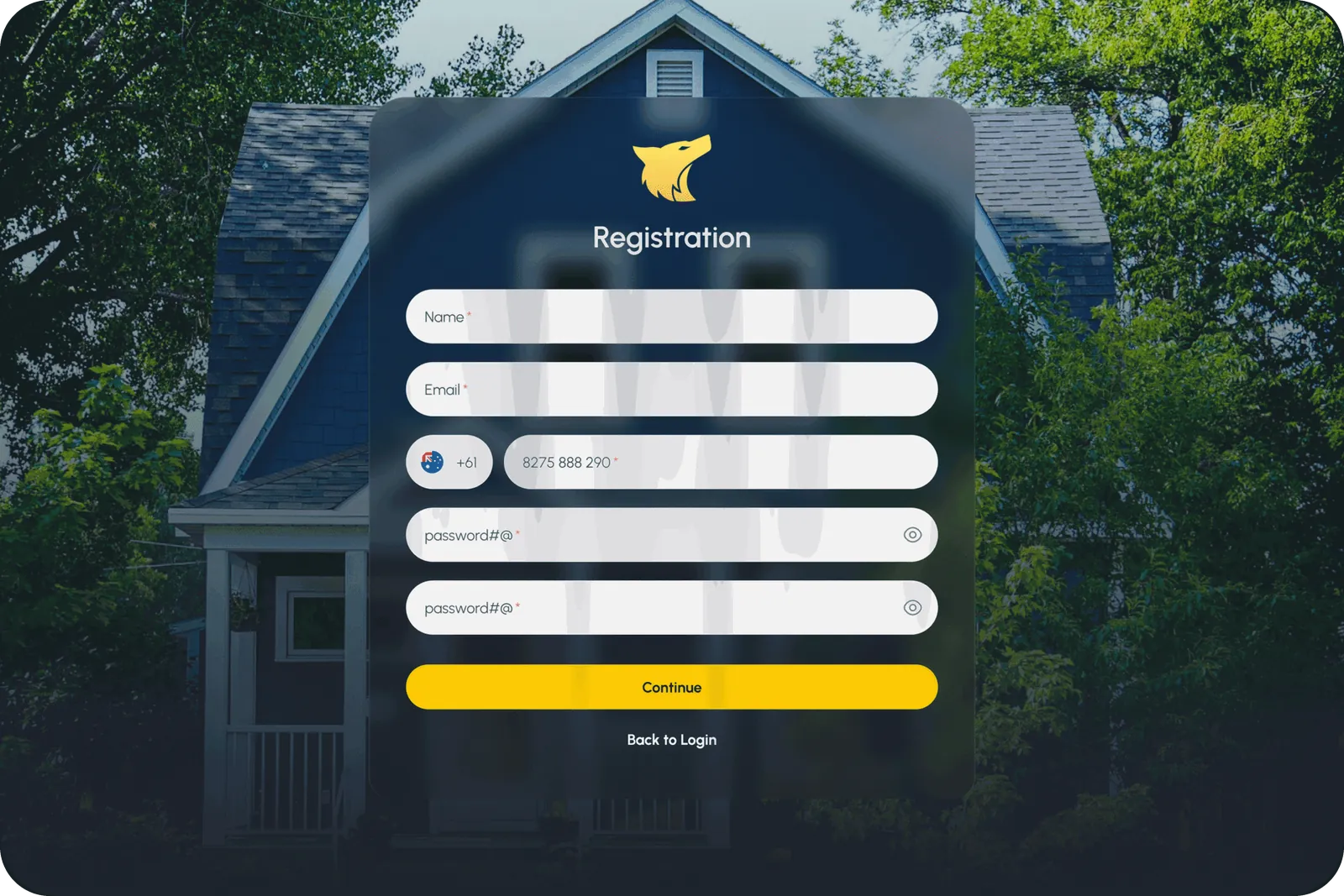
Onboarding · Registration
Home · Interested
Home · Matched
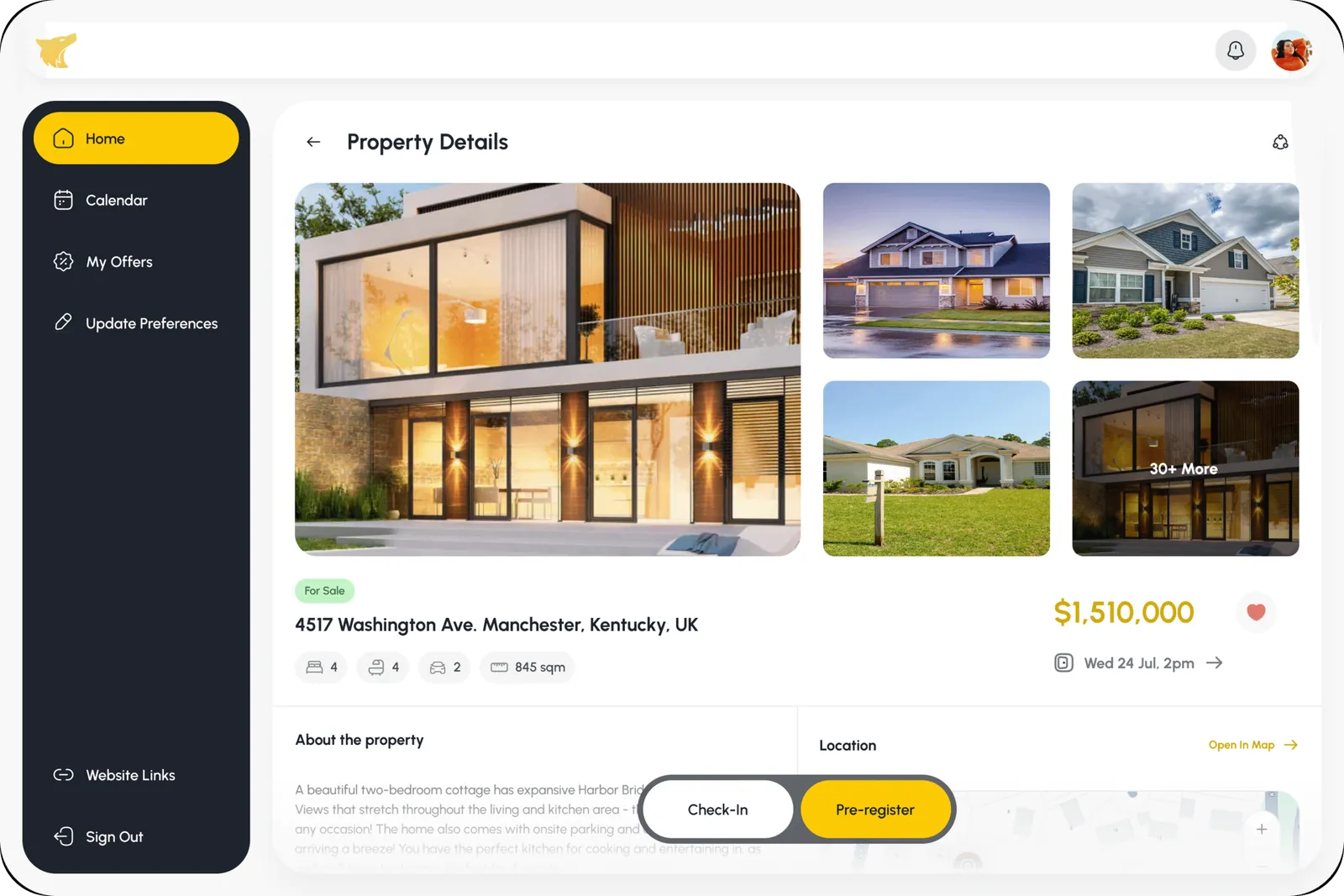
Property Details · Pre-register
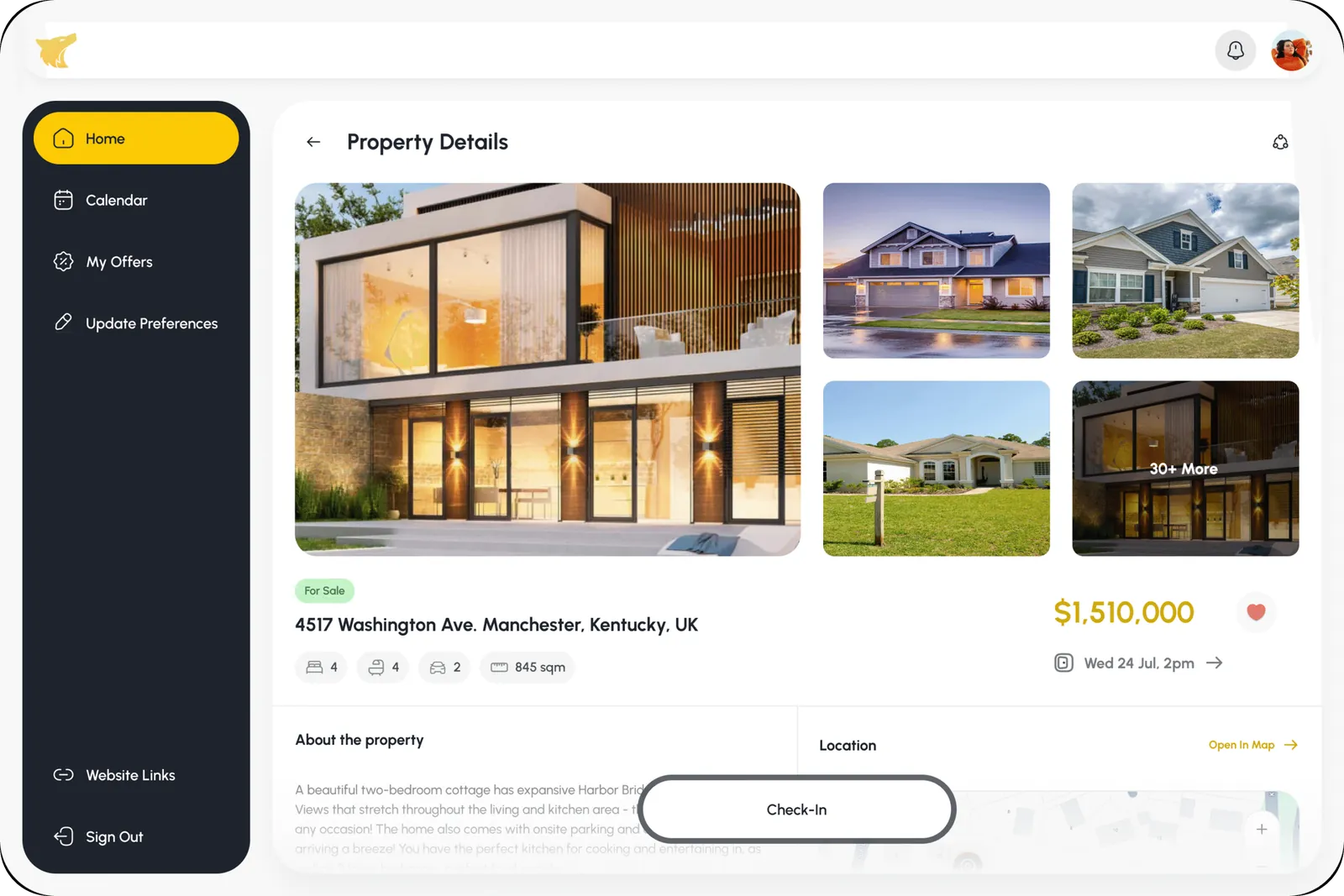
Property Details · Check-in
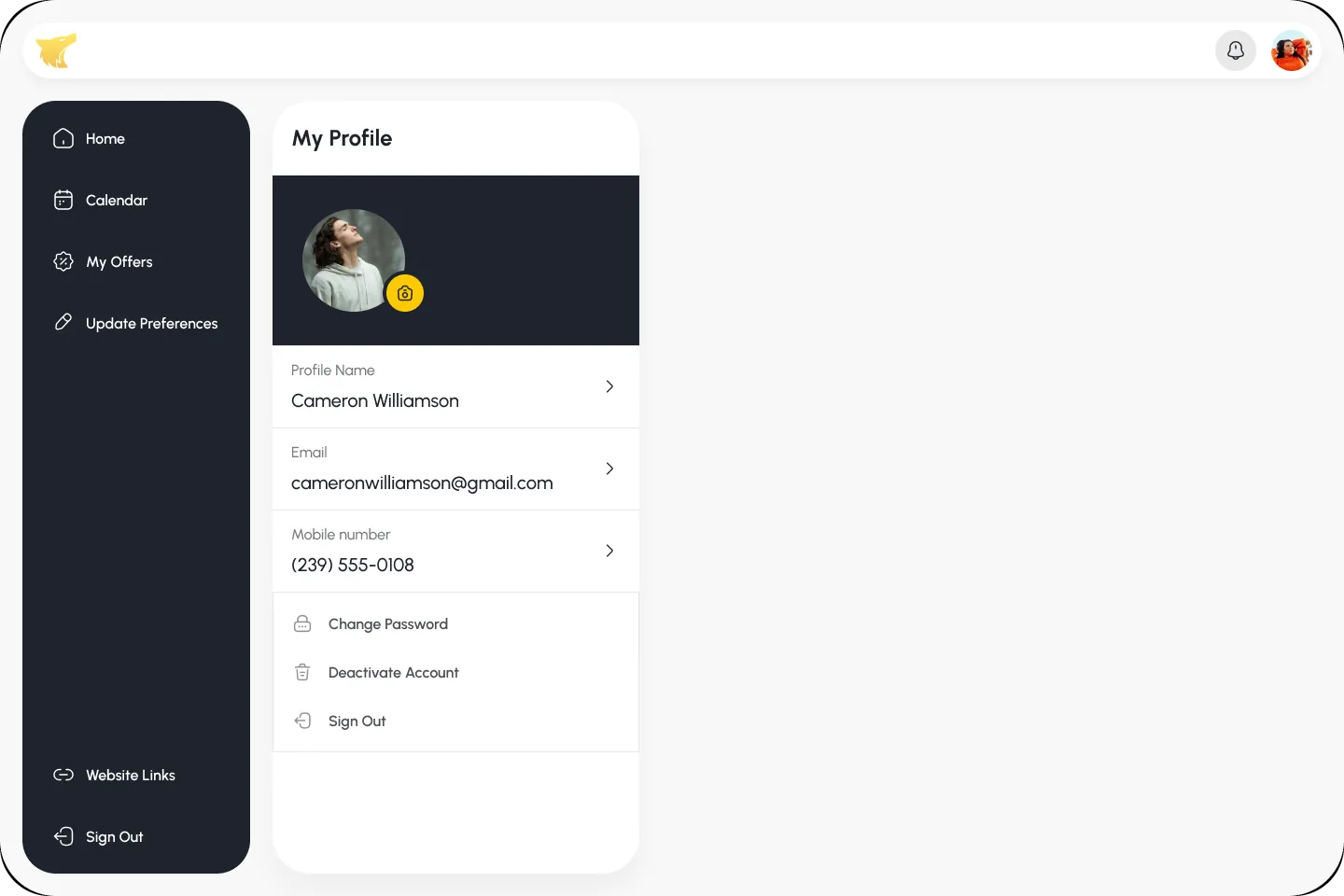
My Profile · Profile
Explore the full flow.Interactive prototype — click through it right here.
06 · What it does
From first search to booked visit.
Property search
Search by suburb, county and specification, from 1BHK and 2BHK to larger homes across Australia.
Property details
Specs, location, price history and agent contact, structured for quick decisions.
Booking flow
Request a visit, express interest and start booking, all from the property page.
Agent listing
Upload and manage many listings with details, images and specifications through a structured form.
The takeaway
I started with two users pulling in opposite directions. I wanted one product that gives each of them exactly what they came for.
Search-first structure matched how people really look for property.
Clear listing cards let buyers qualify a home at a glance.
Separate flows kept buyers and agents focused inside one system.
Marketplace products need a strong balance between two user groups. Search behaviour often decides success more than visual choices, and property decisions depend on clear information hierarchy, not on the number of features.